

Introduction
What is MailSandbox?
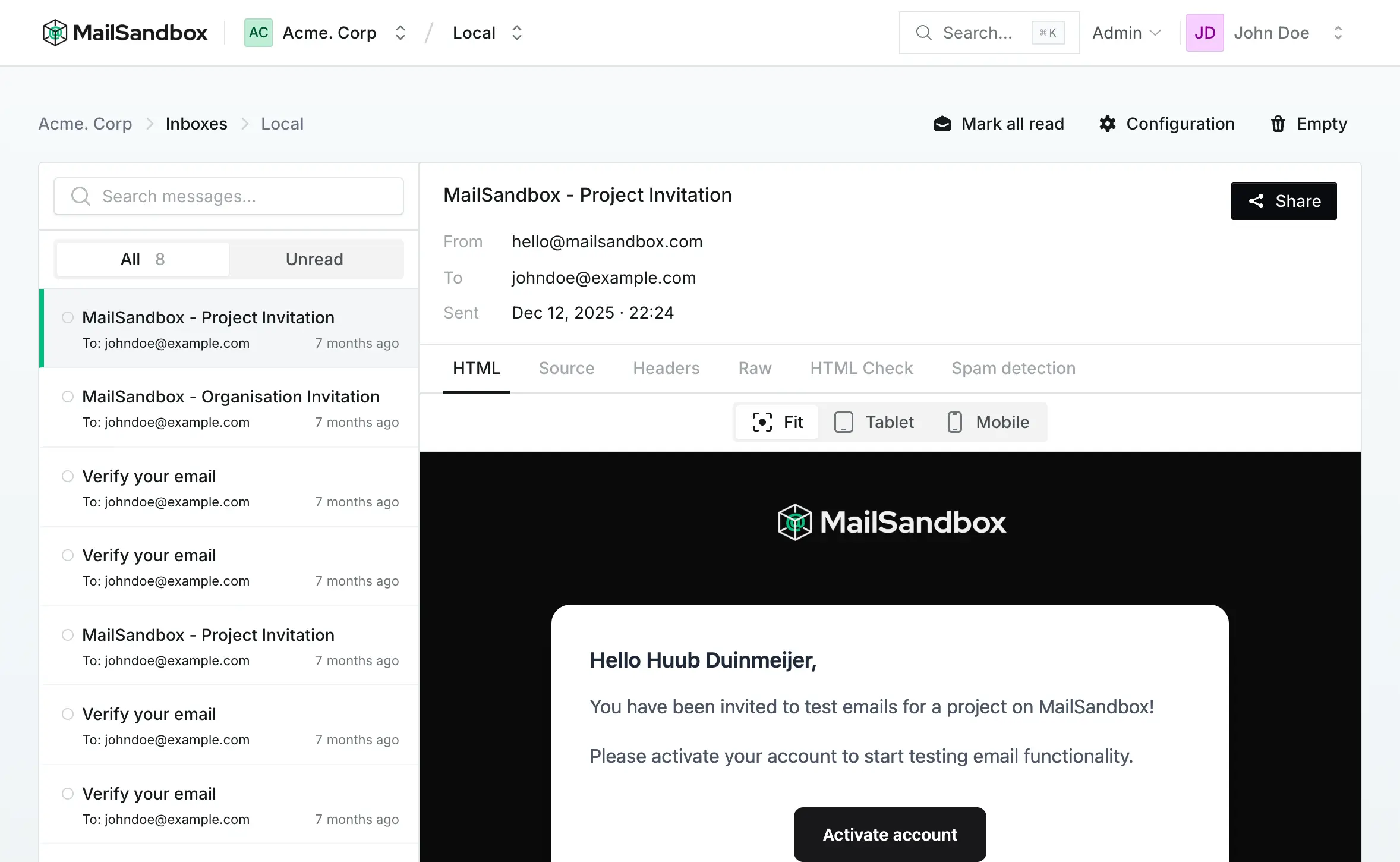
Section titled “What is MailSandbox?”MailSandbox is a fake SMTP sandbox for the email your applications send. Instead of delivering messages to real inboxes, your staging and development environments send them to MailSandbox, where every message is captured so you can preview it, inspect it, and share it with clients for review.
It is built for agencies and teams: unlimited inboxes on paid plans, a project per client, and shareable review links — so nobody ever accidentally emails a real customer from a test environment again.
How it works
Section titled “How it works”- Create a project (typically one per client or product) and add an inbox to it.
- Point your application at the inbox over SMTP, the API, or the WordPress plugin.
- Every email your app sends is captured in the inbox instead of being delivered.
- Preview how it renders, check it for HTML, spam and blacklist issues, and share it for approval.
New here? The Quickstart walks you through it end to end in a few minutes.
Key features
Section titled “Key features”SMTP & API captureCatch email from any stack over SMTP or a simple API.
HTML & responsive previewPreview responsive layouts across desktop, tablet and mobile.
HTML compatibility checkFind features unsupported in Gmail, Outlook, Apple Mail and more.
Spam score analysisCatch spam triggers before you send for real.
Shareable review linksSend a secure test URL to clients — no account needed.
Projects per clientKeep every client's inboxes and email cleanly separated.
Next steps
Section titled “Next steps”- Follow the Quickstart to capture your first email.
- Learn the core concepts: Organisations, Projects and Inboxes.
- Connect your app with SMTP, the API, or the WordPress plugin.